
Import your TV Time history into Suite TV
Suite TV reads the exports of TV Time and of the other trackers. Your shows, episodes and viewing dates are restored in a few minutes, on iPhone and Android.
Updated October 7, 2026
How to import
- 1Install Suite TV and create your account.
- 2Put your export file on your phone. Keep the .zip as you downloaded it, there is no need to unzip it.
- 3Open Settings > Data > Import my library. The import is also offered when you sign up.
- 4Choose the file. Suite TV recognises the format by itself and rebuilds your library. A large history takes a few minutes.
- 5If the import is interrupted, open it again: it resumes where it stopped.
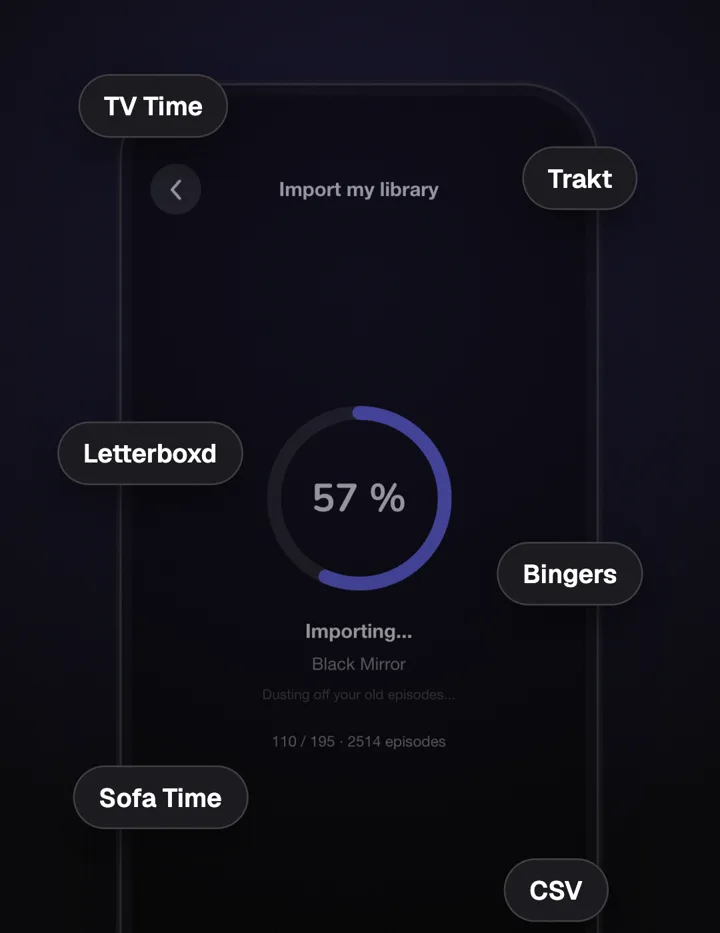
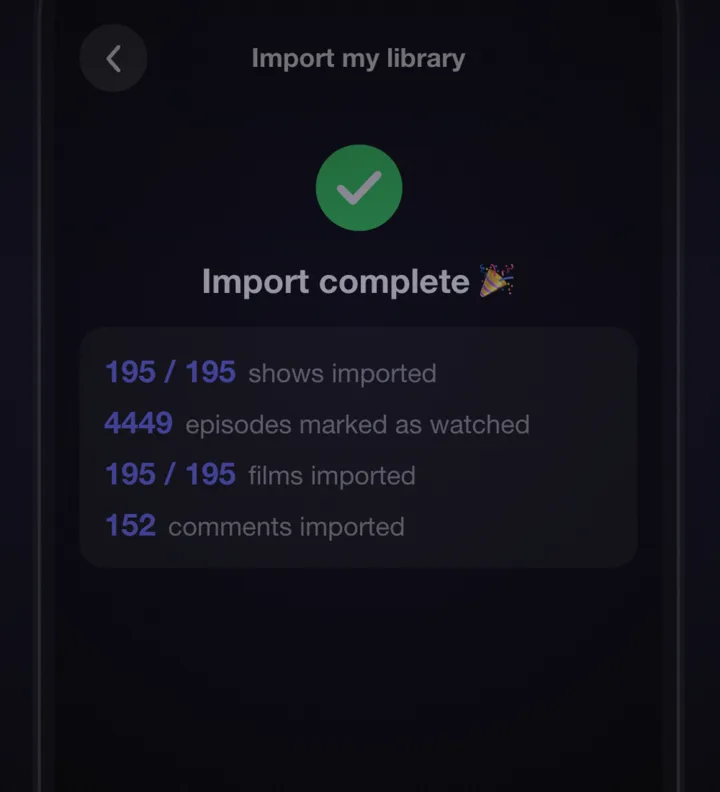
Supported files
| Source | What comes across |
|---|---|
| TV Time, official GDPR export (.zip) | Followed shows (archived ones as stopped), favorites, watched episodes with their dates, rewatches, movies and watchlist, episode ratings and reactions, favorite characters, lists, and your comments with their GIFs |
| TV Time Out (browser extension) | Shows and watched episodes with their dates, rewatches, favorites and specials, movies with their ratings, lists |
| TV Time Liberator (browser extension) | Shows and episodes with their dates and ratings, favorites, watchlist, movies with their ratings, lists |
| TV Time, official CSV export | Shows, watched episodes with their dates and rewatches, movies, lists |
| Trakt (export .zip) | Full dated history with rewatches, movie and episode ratings, favorites, watchlist |
| Sofa Time | Shows and movies, watched episodes with their dates, watchlist, paused and dropped shows, movie ratings, lists |
| Letterboxd (films only) | Watched films with diary dates and rewatches, watchlist, ratings, favorite films, liked films, lists, and your reviews as comments |
| Bingers | Library and statuses, watches with rewatch dates, ratings, reactions, favorite characters, lists |
| Watch history CSV (media_type and watched_at columns) | Episodes and movies with their dates and ratings |
| Suite TV (Export my data) | Your whole library with ratings, reactions and characters, lists, comments with their photos, and profile |
Your episodes land in the right place
TV Time exports carry TheTVDB identifiers, and Suite TV uses TheTVDB too, so shows and episodes are matched by their identifier rather than by their title. Movies that TheTVDB does not know are looked up on TMDB.
Missed the TV Time export?
TV Time deleted its data after July 15, 2026, so no official export is possible any more. You can still rebuild your library in a few minutes: search each show and mark everything watched up to the episode where you stopped, in one tap.
Import: FAQ
Which TV Time file should I choose?
The official GDPR export brings the most: dates, rewatches, ratings, reactions, favorite characters, lists and comments. If you only have the CSV export or a file from TV Time Out or TV Time Liberator, Suite TV reads those too.
Do I need to unzip the file?
No. Choose the .zip as it is. Suite TV also accepts the unzipped folder or a single file.
I already imported. Can I add only my ratings, comments or lists?
Yes. Import my library also has a button that reads only the ratings, reactions and favorite characters of a TV Time GDPR export, without touching the rest of your library. You can also choose only the comment files, or only the favorites and lists files: they are added to the shows you already follow.
What if the import is interrupted?
Open it again: it resumes where it stopped, and you can retry the shows that could not be imported.
Is the import free?
Yes, every import is free.

